

Gold clipart is a picture of gold, not gold itself. On a screen it can look convincingly metallic because the artist painted in highlights and shadows, but a home printer reproduces it with ordinary ink, so it comes out as a flat yellow-brown or tan with no shine. Real metallic gold on paper needs foil, applied by a print shop, by a heated or pressure foil tool in a cutting machine, or by toner foiling with a laminator or foil machine. Each route needs the artwork prepared differently, and that is what this guide covers.
Why Gold Clipart Prints Flat
Most standard printers use four inks: cyan, magenta, yellow and black. Cricut's help center points this out when explaining why printers cannot print white. None of those inks is metallic, so a printer can only mix a color that resembles gold: a mustard, ochre or tan.
There is a second loss. Screens show color with red, green and blue light, which covers a wider range than printing inks can reach. The print shop Jukebox explains that RGB colors are brighter and more vivid than CMYK can always reproduce. A glowing on-screen gold therefore tends to print darker and duller, before you even consider the missing shine.
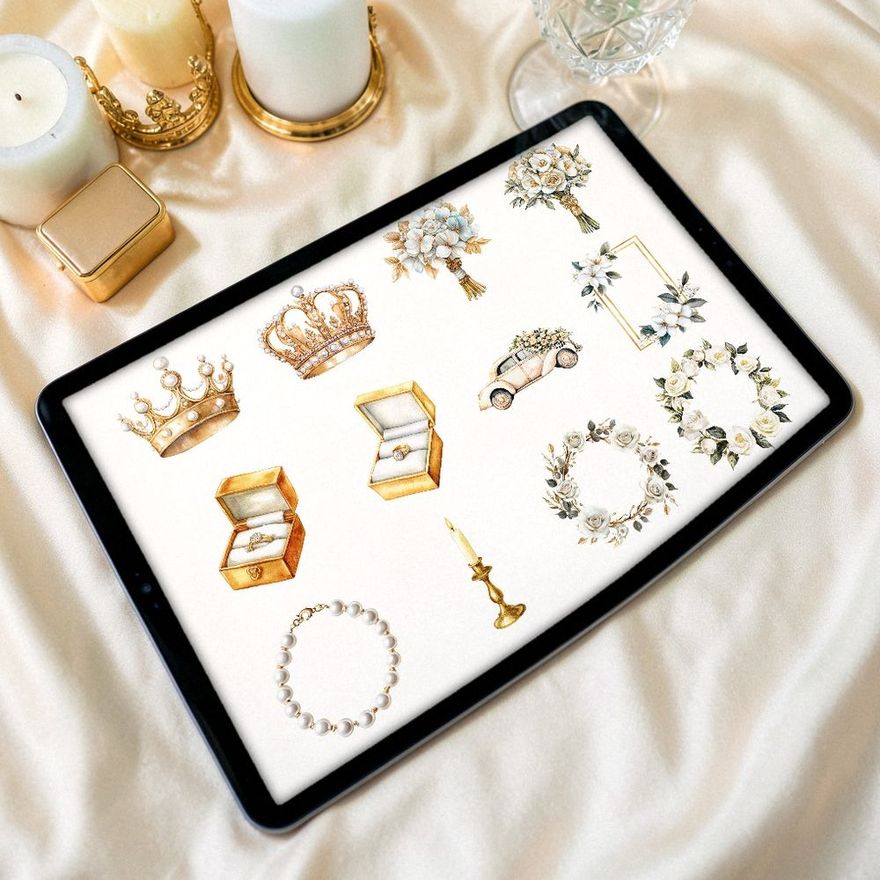
What survives in print is the painted effect: the light and dark streaks the artist drew to suggest metal. That is why good gold clipart still looks rich on paper, just not reflective. Realistic watercolor-gold and glitter-texture clipart prints most convincingly; flat, single-tone "gold" shapes print as plain mustard.
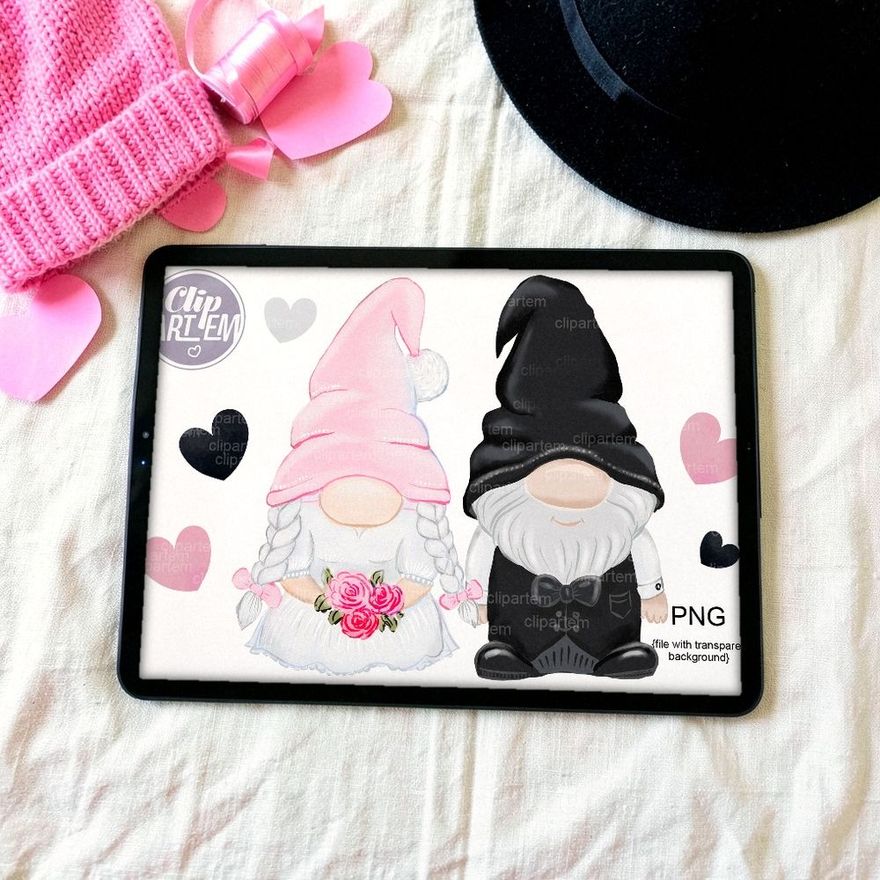
These sets use gold as an accent against white, ivory or black, which keeps the printed result looking deliberate rather than muddy.

White & Gold Wedding Clipart
See the listing ↗
Black Gold Wedding Clipart PNG Bundle
See the listing ↗
Rose Gold Wedding Clipart PNG
See the listing ↗From the collection Gold & Elegant Wedding Graphics. New Creative Fabrica members get 10 free downloads, and any of these can be one of them.
Making Printed Gold Look Its Best
If you print at home and skip foil, a few habits help:
- Choose clipart with visible highlights. Streaks of light and shadow read as metal; a flat fill reads as yellow.
- Put it on white or deep backgrounds. Gold-tone clipart looks richer next to black, navy or burgundy, and cleaner on bright white. On cream or kraft paper it can disappear.
- Do not use gold for small text. Printed gold is a light, low-contrast color. Use it for frames, monograms and accents; keep the wording dark.
- Print a test on your actual paper. Coated, matte and textured stocks change how warm the printed gold looks.

Option 1: Foil Stamping at a Print Shop
Foil stamping is done on a press at the print shop, so you only supply the file. It is the usual choice for large batches and heavy invitation stock. Shops offer a range of foils; Jukebox, for example, lists metallic gold, metallic silver, rose gold, metallic copper, metallic black and gloss white as standard options.
The artwork has to be prepared for it:
- Vector art. Jukebox lists files for foiling among the orders that require a vector file. A PNG of gold flowers is not enough; the foil areas must be solid vector shapes.
- A separate foil layer. Jukebox asks for special finishes such as foil to be supplied as separate, clearly labeled layers or files. In practice the printed design is one file and the foil areas are another, in solid black, positioned exactly where the shine should go.
- Solid shapes only. Foil is either on or off. Gradients, soft watercolor edges and drop shadows cannot be foiled; they become solid or disappear.
So gold watercolor clipart is the wrong source for foil. Gold line art, monograms and simple frames that come as SVG or EPS are the right one. Clipart file types for print explains how to tell vector files from raster ones.
Option 2: Foil With a Cutting Machine
If you own a cutting machine, a foil tool draws foil onto paper line by line instead of cutting.
Cricut Foil Transfer Tool. Cricut's help center says the tool works with all Cricut Maker, Explore and Venture machines, with a separate version for the Cricut Joy family. The tips are marked by lines: one line for fine, two for medium, three for bold. The tool requires Design Space for desktop and does not work with the mobile apps. Cricut also notes that the Joy version is pressure-activated and made for Cricut Foil Transfer Sheets, while other brands' foil sheets are heat-activated. Cricut's list of tested base materials includes light (65 lb), medium (80 lb) and heavy (100 lb) cardstock, vellum and white printable sticker paper, among others.
Foil Quill. We R Makers' Foil Quill is a heated pen that fits into a cutting machine through adapters for Silhouette, Brother, Cricut and Sizzix machines, and uses heat-activated foil. There are also handheld Freestyle pens for foiling by hand.
Both tools draw along lines, so they suit outline artwork best: monograms, names in a script font, simple frames and line icons. Tape the foil sheet flat, keep the tape off the design and out from under the machine's rollers, and use a fresh area of foil for each project; Cricut advises against reusing sheets because the foil is removed where it transferred.
Option 3: Toner Foiling at Home
Toner foiling uses foil that sticks to toner, the powder that laser printers and photocopiers print with, when heat and pressure are applied. The Minc foil applicator (launched under the Heidi Swapp name and now sold by We R Makers) and Therm O Web's Deco Foil products are two well-known systems. The general process:
- Prepare the parts you want foiled as solid black shapes.
- Print them with toner (a laser printer or copier; inkjet ink is not toner), or use pre-printed toner sheets and toner pens sold for the purpose.
- Lay foil over the printed area, shiny color side up. The Minc manual suggests cutting the foil about 1/4 in larger than the design and checking that all the toner is covered.
- Place it in a carrier (Minc's transfer folder, or folded parchment for a laminator) and run it through the heated machine.
- Peel the foil away. It stays only where there was toner.
The Minc owner's manual adds a few limits: materials should not exceed 0.60 mm thick, and only toner-reactive foil should be used, because regular or pressure foil may stick to the folder. Therm O Web's directions for its toner sheets use a hot laminator and note that settings vary by brand and model, so test on scrap first.
Toner foiling works on black toner shapes, so it pairs well with simple gold-style clipart converted to solid black: frames, rings, monograms, hearts and leaves. Detailed watercolor art will not foil.

Which Gold Graphics to Choose
| You want | Use | Artwork |
|---|---|---|
| Gold look, home inkjet | Printed gold clipart | Watercolor or textured gold PNG |
| Real shine, small batch | Foil quill, Cricut foil tool or toner foil | Simple line art, SVG or solid shapes |
| Real shine, large batch | Print shop foil stamping | Vector file with a separate foil layer |
Simple gold rings, bands and geometric frames work in every column: as printed clipart, as a foil outline or as a stamped shape.

Gold Wedding Bands Clipart
See the listing ↗
Gold Wedding Rings Clipart Bundle
See the listing ↗
Gold Leaves Geometric Wedding Frame
See the listing ↗From the collection Gold & Elegant Wedding Graphics. New Creative Fabrica members get 10 free downloads, and any of these can be one of them.
Foil and Tools for the Home Methods
Each home method uses its own kind of foil, and they are not interchangeable. Toner-reactive foil goes through a heated machine over laser print, and foil transfer sheets for a cutting machine work with that machine's foil tool.
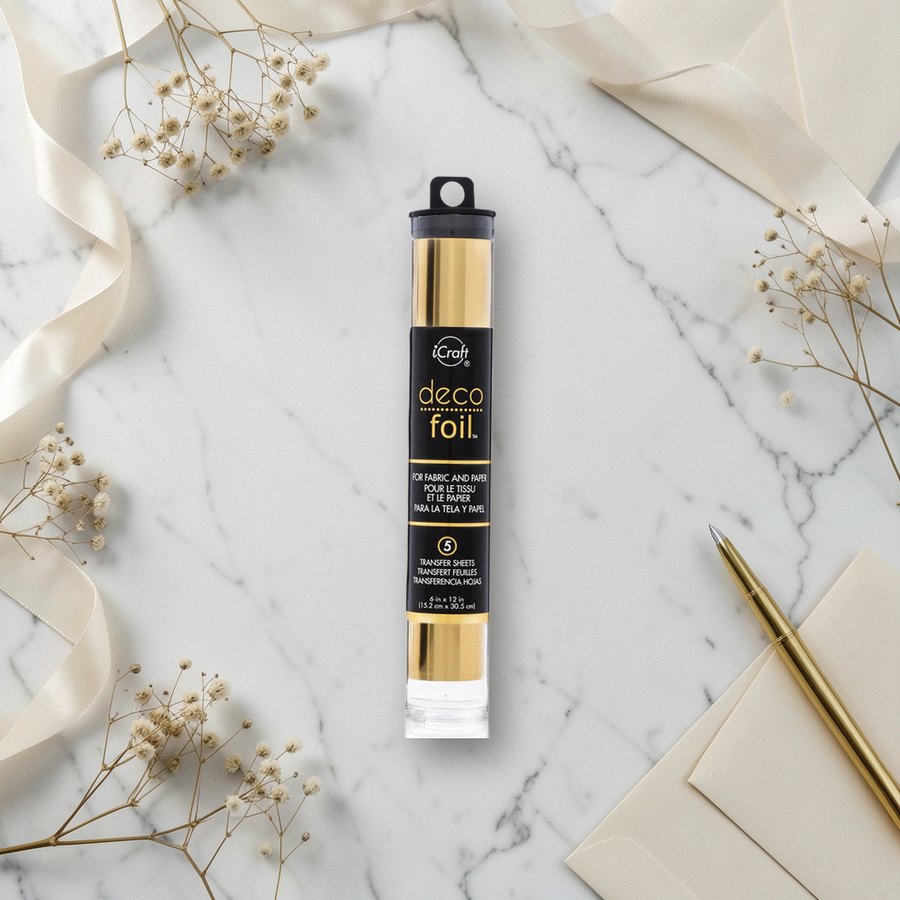 Gold foil transfer sheets, 6 x 12iCraftSee it on Amazon
 Champagne reactive foil rollHeidi SwappSee it on Amazon
 Foil transfer sheets for cutting machinesCricutSee it on Amazon
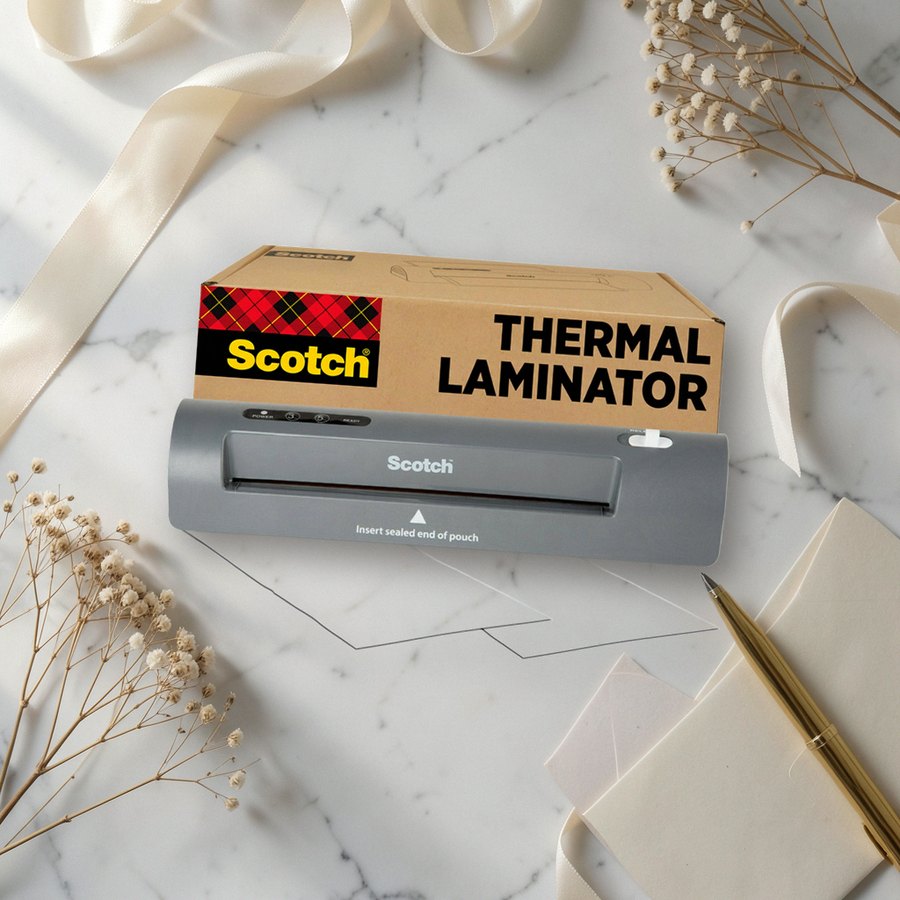 Thermal laminator for letter-size pouchesScotchSee it on Amazon
As an Amazon Associate we earn from qualifying purchases.
Check the foil type against your tool's instructions before you order, and test on scrap first.
Next Step
Decide first whether you need real shine or a gold look, because it changes which clipart to download. For printed gold accents, browse the gold and elegant wedding graphics and follow the DIY invitation guide. For foil, look for line art and vector formats, and pick dark wording colors from our wedding color palettes so the gold stays an accent.
Clipart That Fits This Idea
 Gold & Elegant Wedding Graphics14 hand-picked · open the collection →
 Rings, Dresses & Wedding Icons16 hand-picked · open the collection →