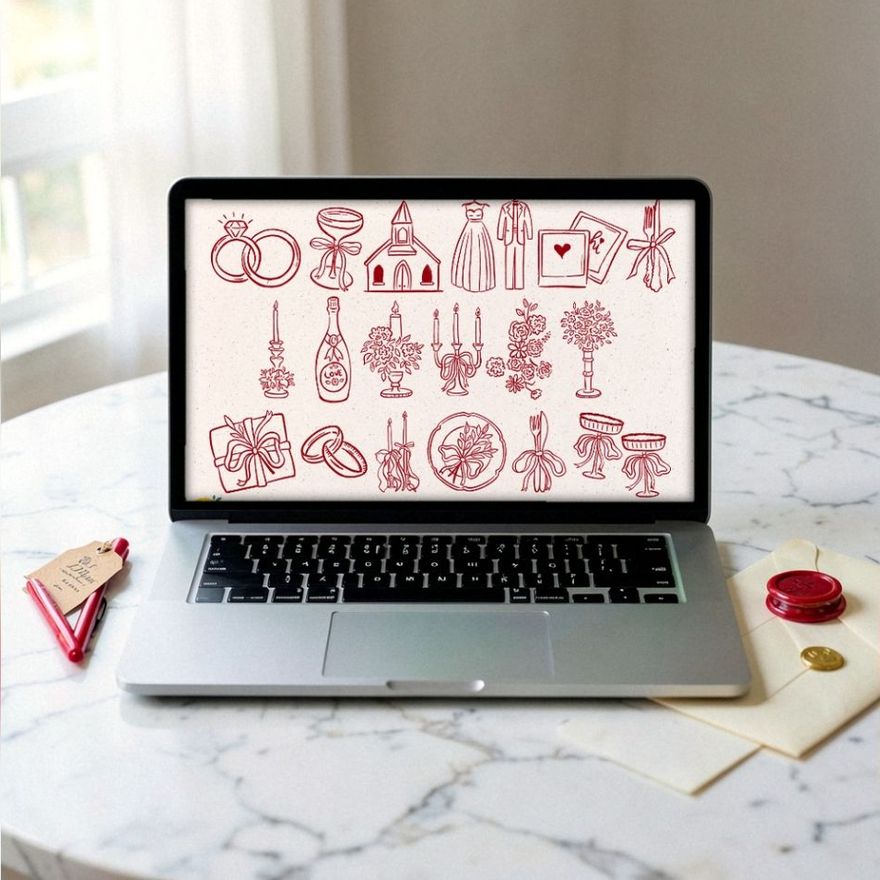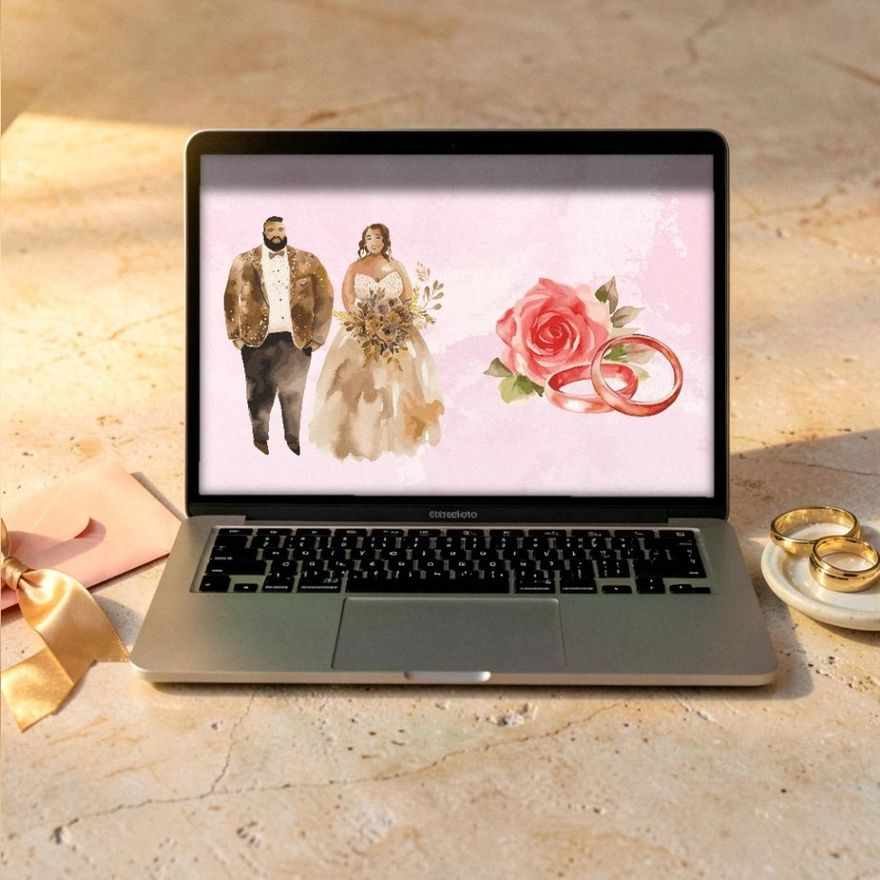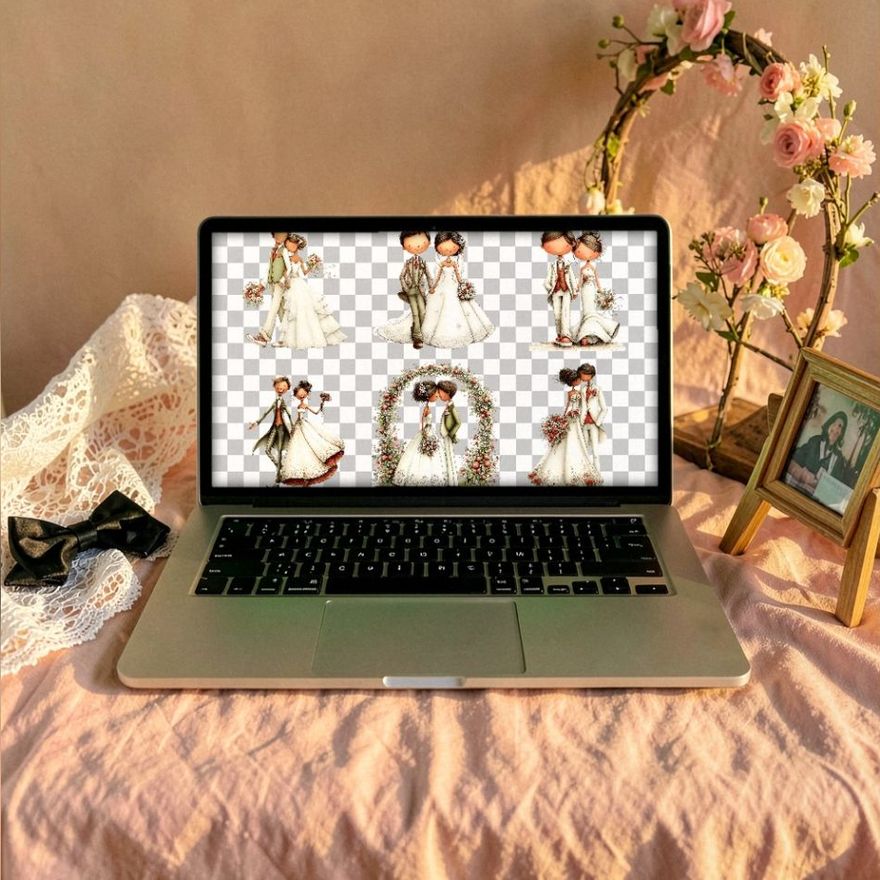

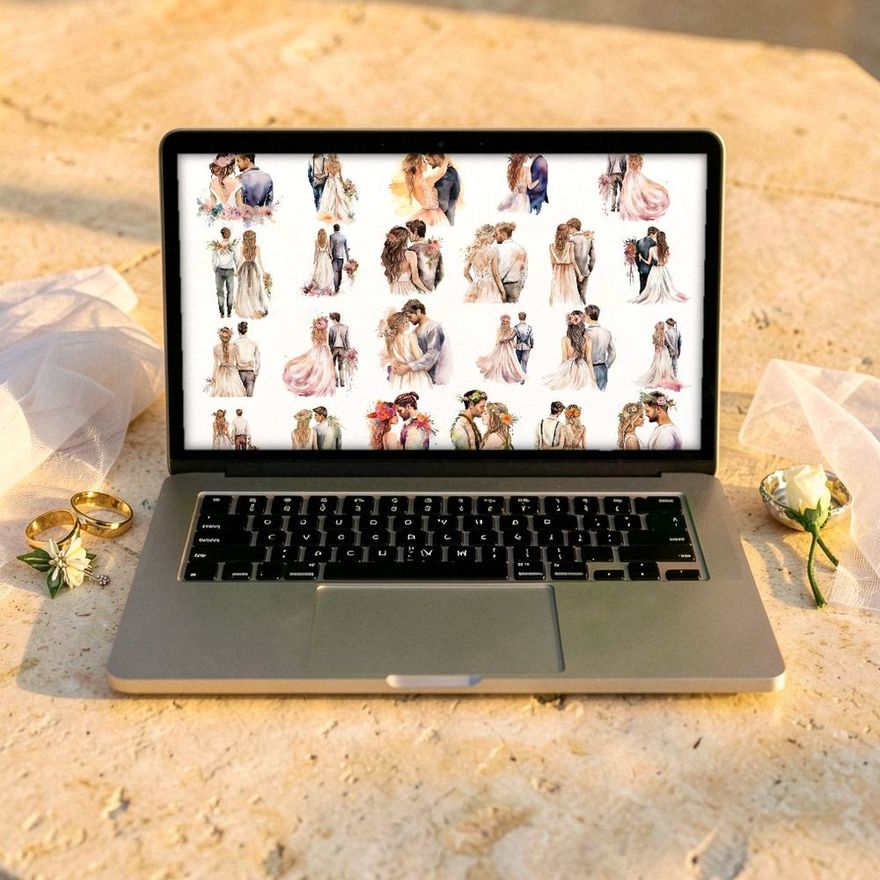
A DIY wedding invitation made with clipart comes together in six steps: pick a card size, set up a Canva design at that size with margins and bleed showing, place one main illustration and a few small accents, set the wording in two fonts, download a PDF Print file at 300 dpi, and print on cardstock your printer can actually feed. The clipart does most of the visual work, so the real skill is restraint: one focal image, plenty of empty space and text that reads easily from arm's length.
Choose the Card Size and Envelope First
Decide on the finished size before you open any software, because the envelope, the paper and the pixel size of your clipart all follow from it. The two common choices in the US are a 5 x 7 in invitation, which fits an A7 envelope (5-1/4 x 7-1/4 in), and the smaller A2 card at 4-1/4 x 5-1/2 in, which fits an A2 envelope (4-3/8 x 5-3/4 in). A2 is a typical size for reply cards, so a 5 x 7 invitation with A2 enclosures is a classic pairing.
Square cards look modern, but USPS charges more for square envelopes, so keep that in mind if you plan to mail a large batch. Our guide to wedding stickers and labels covers envelope seals and what the post office says about wax seals and ribbons.
Set Up the Design in Canva
Start a new design at a custom size of 5 x 7 in (or your chosen size). Before placing anything, turn on the print guides:
- Margins. In the editor, open File, then Settings, and select Show margins. Canva draws a dashed border; keep all text and important details inside it.
- Print bleed. In the same menu, select Show print bleed. Canva's bleed is fixed at 0.125 in (3.175 mm) on every side. Any background color or full-width illustration should run past the trim line into this zone, because it is cut away.
Canva's help center notes that not all home printers support full bleed or crop marks. If yours does not, design with a white or plain border so nothing important sits near the edge.

Place the Clipart
Upload your clipart through the Uploads tab in the side panel. Canva accepts PNG and JPEG files under 50 MB and SVG files under 3 MB. Transparent PNGs are the easiest to work with, because the flowers or figures sit directly on your background without a white box around them. If you are unsure which file in a download folder to use, our guide to clipart file types for print explains PNG, SVG and EPS.
A layout that works for most invitations:
- One focal image. A couple illustration, a wreath or a floral frame, placed at the top or around the names. Let it take up roughly a third of the card.
- Two or three small accents. A sprig in a corner, a tiny heart or ring icon between the date and the venue.
- Breathing room. Leave the space around the text empty. Busy backgrounds behind wording are the most common reason homemade invitations look cluttered.
Couple figures are popular as the focal image because they say "wedding" instantly. These three show different moods: a formal portrait, a soft watercolor and a back view that suits a romantic, understated card.

Elegant Wedding Couple PNG Clipart
See the listing ↗
Watercolor Wedding Couple PNG Clipart
See the listing ↗
Bride and Groom Back Clipart
See the listing ↗From the collection Couple & Bride Illustrations. New Creative Fabrica members get 10 free downloads, and any of these can be one of them.
Check the Pixel Size
Canva recommends uploading images at 300 DPI where possible. For print, that means about 300 pixels for every inch the image will cover. An illustration spanning the full width of a 5 x 7 card needs about 1,500 pixels across; one that covers a third of the width needs about 500. Open the file's properties on your computer before placing it. A small image scaled up will look soft on paper even if it looks fine on screen.
Set the Wording and Fonts
The Emily Post Institute suggests pairing a script font for the names with a regular serif or sans serif for the rest of the text, and warns that decorative fonts are harder to read at small sizes. That advice holds for clipart invitations too: a flowing script for the couple's names, a clean serif for the date, time, venue and reply line.
Some practical points:
- Keep the script for the names only. A whole paragraph in script is hard to read.
- Make the names the largest text, then the date, then everything else.
- Pick one text color from the clipart, such as the darkest green in a floral wreath or the deep blue in a watercolor couple, and use it for all wording. Our page on wedding color palettes shows which colors are dark enough to read on white or ivory.
- Read every line aloud before printing: names, weekday, date, time, street address, city and state.
Gold Frames and Metallic Looks
Gold frames and wreaths make even simple wording look formal. Printed on a home printer, though, gold clipart comes out as a flat tan or mustard color, because home printers use only cyan, magenta, yellow and black inks and cannot print metallic shine. That is fine if you like the painted-gold look; if you want true shine, read gold clipart vs real gold foil before you order paper.
These gold frames are built to hold text in the center, which saves you arranging separate flowers around the wording.

Flower Wedding Gold Frame Clipart
See the listing ↗
Watercolor Wedding Gold Frames Clipart
See the listing ↗
Gold Leaves Geometric Wedding Frame
See the listing ↗From the collection Gold & Elegant Wedding Graphics. New Creative Fabrica members get 10 free downloads, and any of these can be one of them.
Download a Print-Ready PDF
Canva offers several file types; for invitations, choose PDF Print. According to Canva's help center, PDF Print saves at 300 dpi with options for bleed, crop marks and a color profile (RGB or CMYK), while PDF Standard is 96 dpi and meant for screens and documents. Canva lists CMYK color profile options among the features of its paid plans.
To include crop marks and bleed, open the download options, choose PDF Print and tick the Crop marks and bleed checkbox. Use crop marks if a print shop will trim the cards, or if you print two cards on one sheet and trim them yourself.
Print one copy on plain paper first and cut it to size. Hold it next to an envelope and read it from arm's length. This test catches typos, text that is too small and margins that are too tight before you use any cardstock.

Paper and Printing
Invitation cardstock is usually sold by "cover" weight. For reference, Neenah lists its 80 lb cover stock at 216 g/m² and its 110 lb cover stock at 297 g/m². Heavier feels more luxurious, but home printers have limits. HP's data sheet for the ENVY 6020 lists HP cards up to 200 g/m², and Canon's manual for the PIXMA MG7500 series allows specialty paper up to 200 g/m². Check your own printer's manual for its maximum before buying a pack; 65 lb cover (176 g/m²) is the safer choice for many home inkjets.
Tips for a smooth run:
- Feed sheets one at a time if the printer struggles with card.
- Use the printer's highest quality setting and a matte or "cardstock" paper type.
- Let inkjet prints dry before stacking.
- Trim with a paper trimmer, not scissors, for straight edges.
If you need heavy paper, edge-to-edge color or a large quantity, send the PDF to a local or online print shop. Many shops ask for 0.125 in bleed, 300 dpi images and CMYK color; Jukebox, for example, lists all three in its file guidelines. Confirm the requirements with your shop before exporting.
Cardstock, Envelopes and a Trimmer
The paper list for a home-printed invitation is short. Choose cardstock within your printer's limit, envelopes that match the card size you set in the first step, and a trimmer for the cuts.
 White cardstock, 65 lb, letter sizeAmazon BasicsSee it on Amazon
 White cardstock, 80 lb coverHammermillSee it on Amazon
 White A7 envelopes, self sealGoefunSee it on Amazon
 Paper trimmer, 12-inch cut lengthFiskarsSee it on Amazon
As an Amazon Associate we earn from qualifying purchases.
Order the 80 lb cover stock only if your printer's manual allows that weight.
Your Next Step
Choose your card size, then browse the couple and bride illustrations or the gold and elegant wedding graphics for one focal image. Creative Fabrica gives new members 10 free downloads, which is enough to build an invitation, a reply card and a matching set of stickers and labels from the same artwork.
Clipart That Fits This Idea
Couple & Bride Illustrations10 hand-picked · open the collection → Gold & Elegant Wedding Graphics14 hand-picked · open the collection →
 Wedding Illustrations & PNG18 hand-picked · open the collection →