Wedding clipart and illustrations: venues, cakes, bouquets and wedding scenes as transparent PNGs, picked from the most-saved on Creative Fabrica.


Top picks
The two most useful files in this set — checked before the rest, so you can stop here if one of them fits.
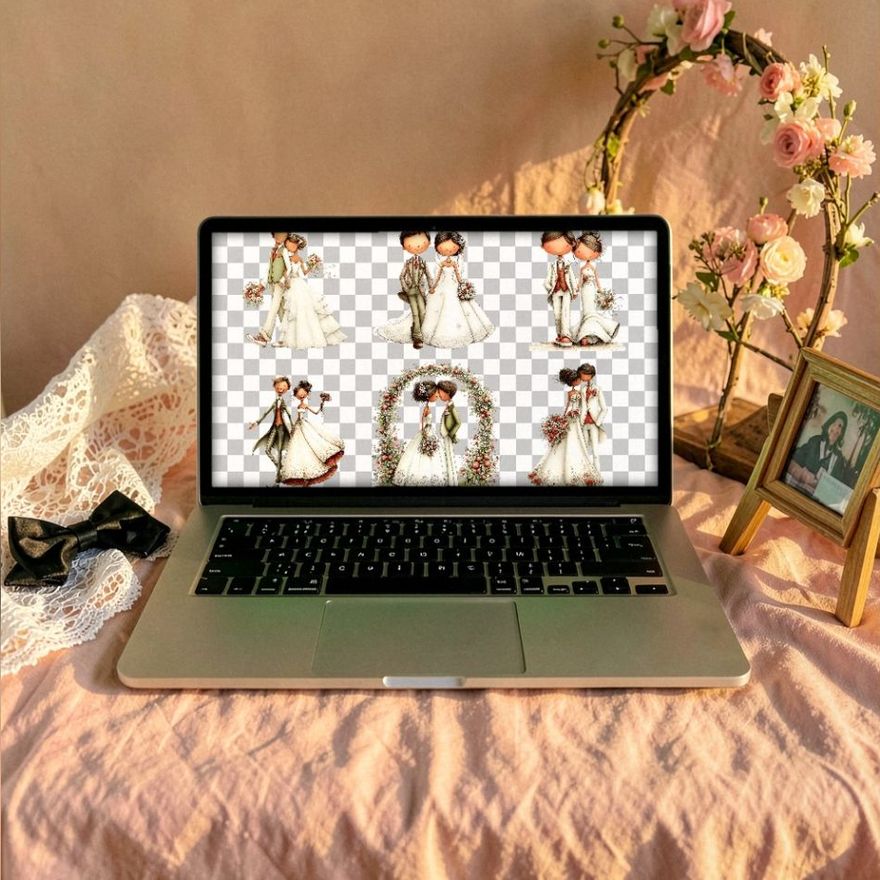
Editor's pickA boho couple illustration — groom, bride. Download the PNG files with transparent backgrounds.
View clipart ↗
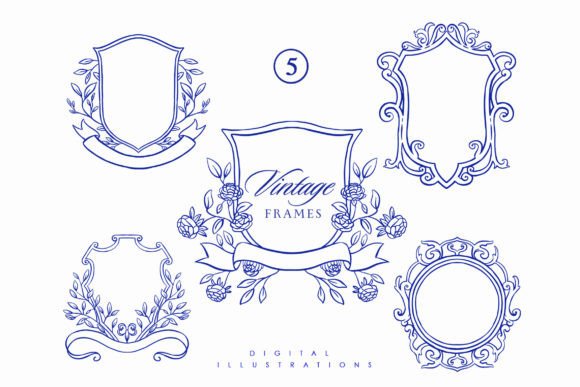
Also popularA wedding frame clipart — baroque, line, art. Place them in Canva, Photoshop, Procreate or any design app and resize as needed.
View clipart ↗More clipart sets to explore
Wedding clipart and illustrations: venues, cakes, bouquets and wedding scenes as transparent PNGs, picked from the most-saved on Creative Fabrica.

A floral wedding clipart — mint, watercolor, spring. Use them again in invitations, stickers, labels and social posts.
View clipart ↗
A couple illustration — mom, bride. Download the PNG files with transparent backgrounds.
View clipart ↗
A couple illustration — gnome, bride, groom. Place them in Canva, Photoshop, Procreate or any design app and resize as needed.
View clipart ↗
A watercolour wedding clipart — collection. Use them again in invitations, stickers, labels and social posts.
View clipart ↗
A wedding clipart — hand, drawn. Download the PNG files with transparent backgrounds.
View clipart ↗
A wedding clipart — french, chateau, baroque. Place them in Canva, Photoshop, Procreate or any design app and resize as needed.
View clipart ↗
A wedding clipart from the Illustrations shelf on Creative Fabrica. Use them again in invitations, stickers, labels and social posts.
View clipart ↗
A wedding clipart — 220 designs in one set. Download the PNG files with transparent backgrounds.
View clipart ↗
A minimalist wedding clipart — doodle. Place them in Canva, Photoshop, Procreate or any design app and resize as needed.
View clipart ↗
A floral wedding clipart — dusty, blue. Use them again in invitations, stickers, labels and social posts.
View clipart ↗
A wedding clipart — italian. Download the PNG files with transparent backgrounds.
View clipart ↗
A wedding clipart — gothic. Place them in Canva, Photoshop, Procreate or any design app and resize as needed.
View clipart ↗
A wedding clipart — beach. Use them again in invitations, stickers, labels and social posts.
View clipart ↗
A wedding clipart — white, peonies. Download the PNG files with transparent backgrounds.
View clipart ↗
A pink wedding clipart — romantic, crest, creator. Place them in Canva, Photoshop, Procreate or any design app and resize as needed.
View clipart ↗
A wedding clipart — 65 designs in one set. Use them again in invitations, stickers, labels and social posts.
View clipart ↗Heads up: links on this page are affiliate links. If you download through them I earn a commission, at no extra cost to you.
How to choose
Questions people ask
Yes. Creative Fabrica gives you 10 free downloads when you sign up, so any design on this page can be one of them. Pick your favorites first, then download.
Most sets come as PNG files with transparent backgrounds, often at 300 dpi for print. Some include SVG, EPS or JPG versions; the listing shows what is inside.
Yes. Upload the PNG files to Canva and drag them onto your design like any other image.
Check the license on the product page before you sell anything. Creative Fabrica shows the license terms on each listing, and they are the ones that count.
Ideas

Build a wedding invitation from clipart in Canva: card size, placing PNGs, font pairing, a 300 dpi print PDF with bleed, cardstock weight and envelopes.
Read the guide →
Where wedding clipart works best: welcome signs, programs, menus, favor tags, table numbers and your wedding website, with sizes and layout tips for each item.
Read the guide →Design a wedding day timeline with icons for a program or sign: what to list, how to choose matching icons, readable text sizes and layouts that fit a card or poster.
Read the guide →Keep browsing
Creative Fabrica has thousands more wedding illustrations & png to explore.
Sign up on Creative Fabrica and get 10 free downloads.